Can Google Delete Your Reply to a Bad Review? (Fort Wayne)
Google now screens your replies to reviews before they post — and a new button lets customers report them. What Fort Wayne owners need to know.

You get a one-star review that isn’t fair. You’re annoyed, you’re busy, and you fire back a sharp reply under it — maybe a sarcastic line, maybe a copy-paste apology you use for everything. For years, that reply went live the second you hit submit. In 2026, it might not go live at all.
Google has quietly added a screening layer to the replies business owners write under customer reviews. Your response now gets a status — pending, approved, or rejected — before it’s visible to anyone. And on August 14, 2026, Google added a second twist: a “Report owner response” control that lets any customer flag your reply for removal after it posts. For a Fort Wayne HVAC shop or restaurant owner who’s used to having the last word under a bad review, that’s a real change in how this works.
The good news: the reply that survives moderation is also the reply that actually helps you — short, specific, and human. The canned comeback was never winning you customers anyway. Here’s what changed, what gets a reply blocked, and how to write ones that stick.
Can Google really reject or delete my reply to a review?
Yes. As of 2026, when you reply to a customer review on your Google Business Profile, that reply no longer publishes instantly. It enters a moderation queue and comes back with one of three states, as Thrive Agency’s breakdown of the change lays out:
- Pending — still being screened, not yet visible to customers.
- Approved — cleared and live on your listing.
- Rejected — blocked; it never goes public.
According to Saltech Systems’ write-up of the update, most replies are reviewed within about ten minutes, though in some cases screening can take up to 30 days. When a reply is rejected, owners are typically prompted to edit and resubmit rather than being left with no path forward.
This sits on top of the tighter review-quality rules Google rolled out this year. If you haven’t seen it, our guide to Google’s 2026 review rules covers the customer-review side — practices like review gating and “$10 off for a five-star” that can get reviews pulled. The reply-moderation change is the mirror image: now your responses get screened too. Both belong in the same playbook, which is why we fold reply hygiene into our broader Fort Wayne reputation guide.
One honest caveat: the exact mechanics are still fuzzy. It isn’t fully clear whether Google notifies every owner the moment a reply is rejected, or how consistently the ten-minute-to-30-day window holds. If a reply of yours seems to have vanished, it’s worth checking whether it was rejected in moderation before assuming a bug — the same calm-diagnosis approach we recommend when reviews themselves disappear.

What gets your review reply rejected?
The rejection triggers are consistent across the sources reporting on this change. Nesan Pather, Operations Manager at Thrive Local, points to “repetitive copy-and-paste responses, unnatural keyword stuffing, overly promotional language and replies that don’t genuinely relate” to the review as the most likely to be blocked. Saltech’s list overlaps closely and adds a couple more. Here’s the combined picture:
| What trips the screen | Why it’s a problem | Do this instead |
|---|---|---|
| Copy-paste / templated wording repeated across reviews | Reads as automated, not genuine engagement | Reference a specific detail from each review |
| Keyword stuffing (“best Fort Wayne HVAC repair”) | Looks like an SEO tactic, not a reply | Write like you’d talk to the customer |
| Links, phone numbers, aggressive calls to action | Treated as promotional abuse | Invite them to call — without pasting the number |
| Personal or private customer details | Privacy violation | Never name appointment times or account info |
| Sarcastic or confrontational tone | Flags as low-quality / hostile | Stay calm even when the review is unfair |
| Generic AI boilerplate with no specifics | Matches the automated-reply pattern | Edit any AI draft so it fits the real review |
The through-line, in Pather’s words, is that the businesses that do best treat review replies “as genuine customer engagement rather than another SEO tactic.” A reply that names the tech who did the work, or the dish the customer ordered, is doing the opposite of what the screen is built to catch. Our library of negative-review response templates for Indiana businesses is still useful here — just treat them as starting points to personalize, not as text to paste verbatim across ten different reviews.
What is the new “Report owner response” button — and can a customer delete my reply?
This is the part that surprises most owners. On August 14, 2026, Search Engine Roundtable reported that Google added a “Report owner response” control to Business Profiles. It does exactly what it sounds like: it lets a customer — or anyone viewing the listing — flag your reply to a review for review by Google.
Based on that reporting and corroborating coverage from Optimixed, the reasons a person can select when reporting your response include:
- Off-topic content
- Profanity or obscenity
- Harassment
- Discriminatory, hateful, or offensive content
- Personal information
So, can a customer get your reply removed? Effectively, yes — they can now report it, and if Google agrees it violates the content policies, it comes down. That’s a genuine shift. Google’s own policy on reporting inappropriate content is clear that flagging is for real policy violations, not disagreement — Google states plainly not to report content “just because you disagree with it or dislike it,” and notes the company “doesn’t get involved in conflict between businesses and customers.” But an owner’s sarcastic or personal-detail-laden reply is now a two-sided risk: the moderation screen can block it going up, and the report button can take it down after.

How do I write a reply that survives moderation?
You don’t need a lawyer or a template library — you need a short, human, specific reply. Here’s a five-step checklist that lines up with both the moderation triggers and the report categories:
- Reference one specific detail. Name the service, the visit, the tech, or the dish. Specificity is the single clearest signal that a reply is real and not automated.
- Keep it short and calm. Two or three sentences. A measured tone reads well to the next customer and clears the screen — a sarcastic comeback fails both tests.
- No links, no phone numbers, no promos. Invite the customer to reach out, but don’t paste a URL or number into the reply. Those are classic promotional-abuse flags.
- Protect privacy. Never mention appointment times, addresses, account numbers, or anything that identifies the customer beyond what they already shared.
- If you used AI, edit it. Polishing a reply you wrote is fine. Publishing a generic bot draft you never read is how you land in the rejected pile — or get reported.
Post within a day or two while the review is fresh, and check back to confirm the reply actually went live rather than assuming it did.
Does this change whether I should use AI to write my replies?
It raises the stakes. AI is genuinely useful for drafting a calm reply when you’re too annoyed to write one yourself — that’s a real, honest use. The problem is the failure mode: a bot reply that sounds generic and repeats the same shape across every review is precisely the pattern moderation is tuned to flag.
We wrote earlier about connecting your listing to tools like the Gemini app that can draft review replies for you. That advice still stands, with one added rule now: keep a human in the loop. Use AI to get past the blank page, then edit the draft so it names a real detail from the actual review before you post. That’s the difference between a reply that clears the screen and one that gets rejected. If you’d rather not manage that yourself, an AI-assisted workflow with human review built in is exactly the kind of thing we set up — the automation drafts, a person approves.
What this means for a Fort Wayne business
Picture a Fort Wayne HVAC shop that gets a rough one-star review during a heat wave — a no-show complaint, maybe unfair. The old instinct was to fire back: defend the schedule, get a little sarcastic, maybe drop the office number and a “call us to make it right.” Under the 2026 rules, that reply can get rejected before it posts, or reported and removed after — and the sarcasm is exactly what draws a flag.
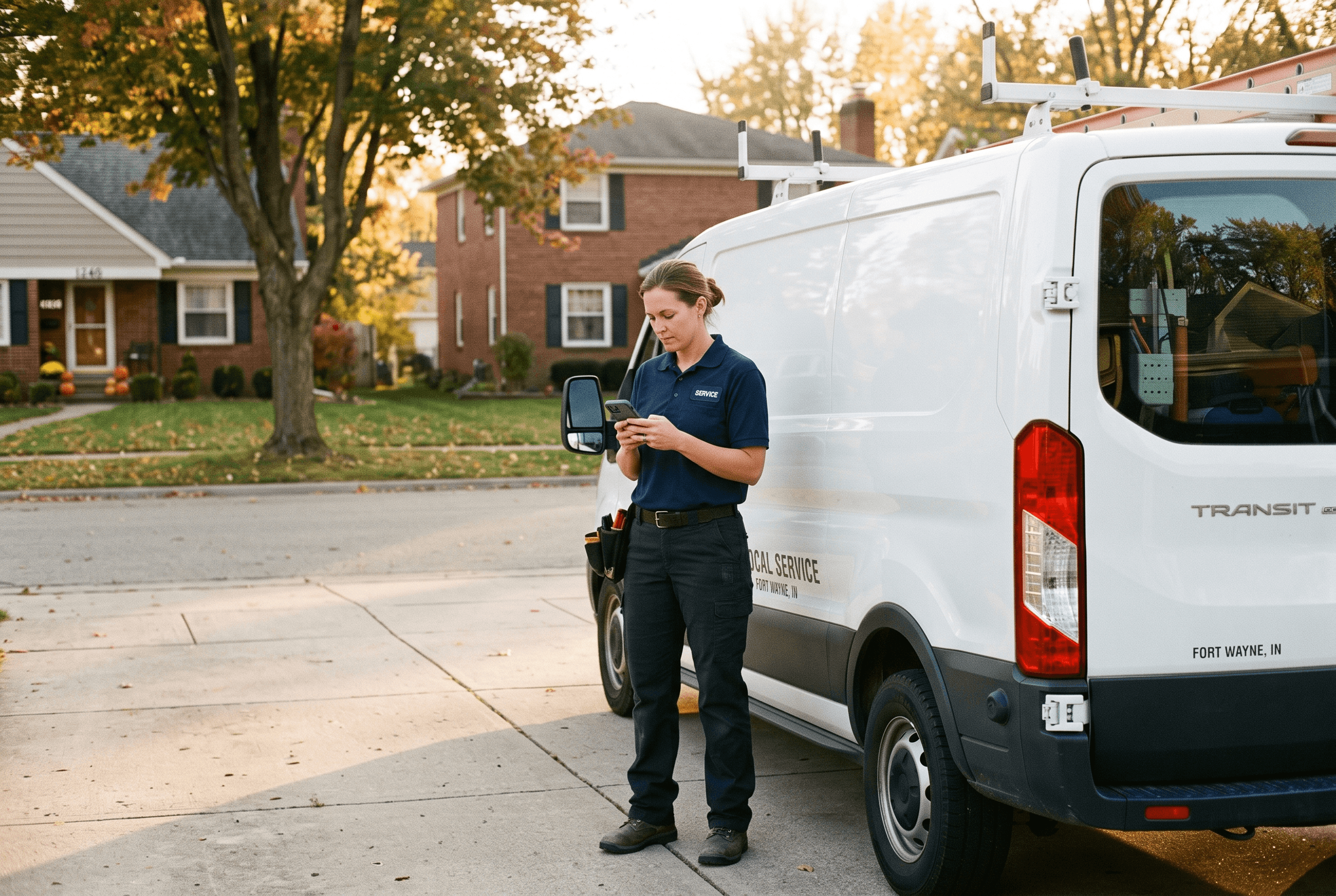
The winning move for a New Haven restaurant or an Auburn contractor is the same move that always worked, just now enforced: a short, specific, human reply. “Sorry the install ran late that Tuesday — that’s on us, and I’ve talked to the crew about it.” No number, no promo, no edge. It clears moderation, it can’t be credibly reported, and it’s the version a future customer reading the thread actually respects. For Fort Wayne and Allen County owners, the reply screen quietly rewards the honest, local, plain-spoken tone you’d use in person anyway.
Get your review responses handled the right way
Replying to reviews well is now a small operational discipline — the wrong tone or a stray phone number can cost you the reply entirely. If keeping up with reviews and writing responses that clear Google’s screen isn’t something you have time for, our reputation management service handles it for Fort Wayne and Northeast Indiana businesses: monitoring new reviews, drafting replies that are specific and policy-safe, and keeping a human eye on every response before it goes live. Tell us about your business and we’ll take it from there — you keep the last word, we just make sure Google lets you have it.
Fort Wayne AI Agency service
Reputation Management
Build and protect your online reputation.
Learn moreFrequently Asked Questions
Can Google really delete my reply to a customer review?
Yes. As of 2026, owner replies are moderated before they publish and are marked pending, approved, or rejected. A rejected reply never goes live. Separately, a new “Report owner response” button lets customers flag a published reply, and Google can remove it if it violates content policies.
Why did my reply to a review disappear?
It may have been rejected in moderation rather than deleted after the fact. Replies that are templated, keyword-stuffed, promotional, contain links or phone numbers, or read as sarcastic are the most likely to be blocked. It’s also possible a customer reported it. Check your Business Profile to see the reply’s status before assuming it’s a bug.
How long does Google take to approve a review reply?
Most replies are screened within about ten minutes, according to reporting on the change, though in some cases the process can take up to 30 days. If your reply hasn’t appeared after a reasonable wait, review it against the rejection triggers and consider editing and resubmitting.
Can a customer get my response to their review removed?
Effectively, yes. The “Report owner response” feature added on August 14, 2026 lets a customer flag your reply for reasons like off-topic content, profanity, harassment, or personal information. If Google agrees it breaks the content policies, the reply is removed. Google does not remove replies simply because a customer disagrees with them.
Should a Fort Wayne business still use AI to write review replies?
It’s allowed, but riskier if you don’t personalize. Generic AI replies that sound the same across every review match the automated pattern moderation is built to catch. Use AI to draft, then edit so the reply names a specific detail from the actual review — the tech who did the job, the dish the customer ordered — before you post it. That human-in-the-loop step is what keeps a Fort Wayne owner’s reply live.
Sources & Further Reading
- Search Engine Roundtable: seroundtable.com/google-report-owner-response-41873.html · Google Business Profile Report Owner Response (August 14, 2026)
- Optimixed: optimixed.com/google-business-profile-report-owner-response · Google Business Profile Report Owner Response (August 14, 2026)
- Thrive Agency: thriveagency.com/news/google-local-review-replies-are-now-moderated · Google Local Review Replies Are Now Moderated: What Businesses Need To Know in 2026 (2026)
- Saltech Systems: saltechsystems.com/google-review-reply-moderation-2026 · Google Review: Understanding The 2026 Moderation Update (2026)
- Google Business Profile Help: support.google.com/business/answer/4596773 · Report inappropriate reviews on your Business Profile (2026)
Put this to work in your business
Want help with this in your business?
Tell us what you're working on — a real person in Fort Wayne replies within one business day.