Does My Fort Wayne Business Show Up in Google's AI Answers?
Google added a free Search Console report that shows how often your pages appear in AI Overviews and AI Mode. Here’s what it tells a Fort Wayne owner — and what it can’t.

For two years, Fort Wayne business owners have watched Google answer questions like “best furnace repair near me” or “do I really need a crown?” directly on the results page — and had no way to know whether their own website was one of the sources feeding those AI answers. As of a June 2026 rollout, that finally changed. Google added a free report inside Search Console that shows how often your pages show up in AI Overviews and AI Mode.
Here’s the honest version, because a lot of “track your AI visibility!” posts skip the fine print: the report proves you’re visible in AI answers, but it does not tell you how much traffic those answers send you. It’s a real, useful measurement tool — and it has some hard limits worth understanding before you read anything into the numbers.
- Google Search Console now has a free Generative AI performance report showing how often your pages appear in AI Overviews, AI Mode, and AI features in Discover — launched June 3, 2026.
- It shows impressions only — no clicks, no click-through rate, no query data, and no meaningful ranking position.
- The numbers were already inside your existing Search totals; this report just breaks them out, so your headline impression count won’t change.
- There’s no historical backfill — your baseline starts the day you get access, which is why you should screenshot it immediately.
- It’s rolling out to a subset of sites first, not everyone at once, so don’t panic if you don’t see it yet.
- Pair it with your referral analytics to separate “we got seen” from “we got a customer.”
What Is the New Search Console AI Report?
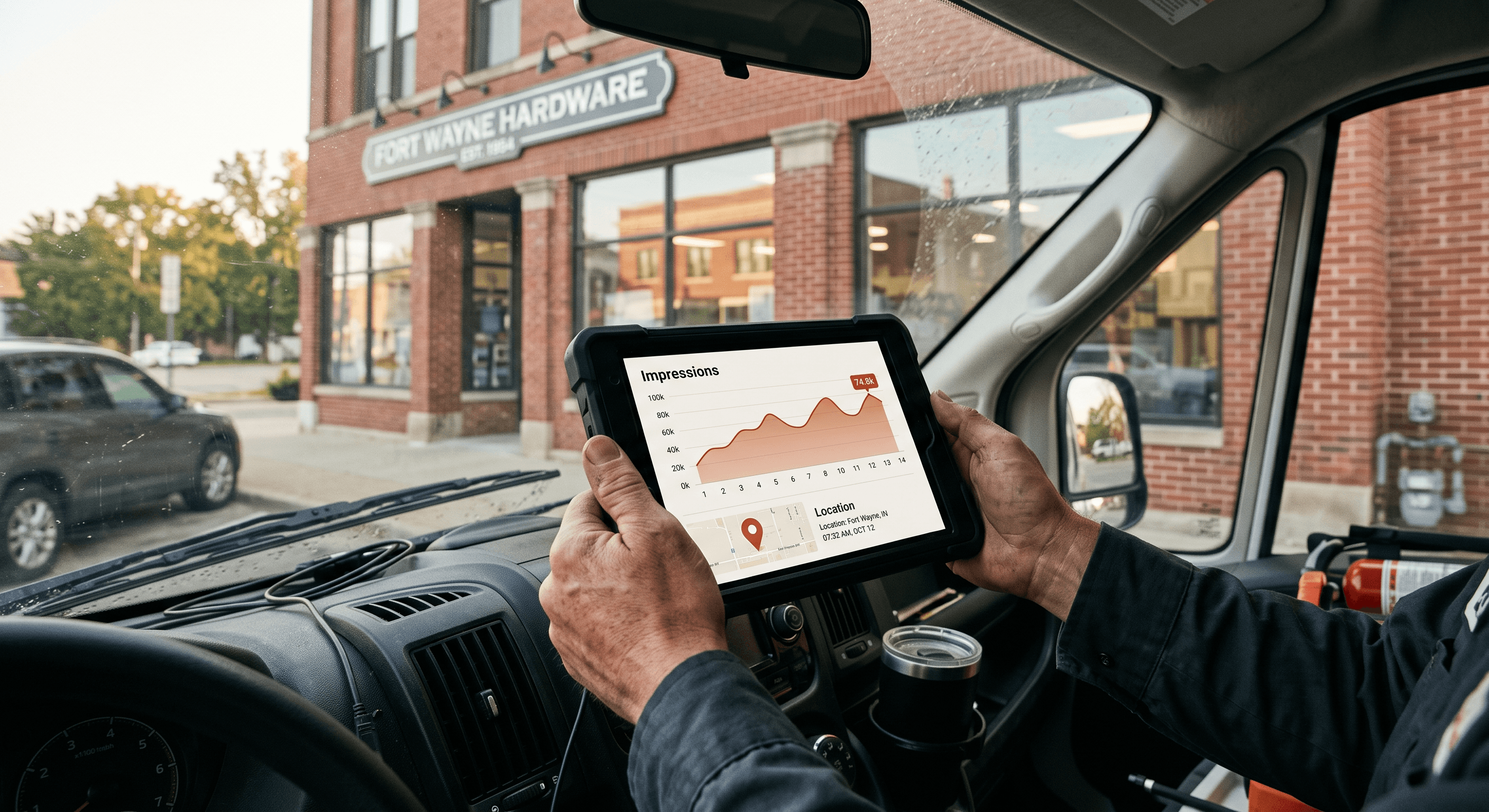
The tool is officially called the Search Generative AI performance report, and Google announced it on the Google Search Central blog on June 3, 2026.1 It lives in the same Search Console account you (or whoever built your site) already use to see how you rank in regular Google Search — it’s just a new, dedicated view.
What it measures is a single thing: impressions. In Google’s own definition, an impression here is counted when a link to your site is shown to someone inside a generative AI feature on Google Search. You can slice that impression count four ways — by page, by country, by device (Search only, not Discover), and by date, down to hourly granularity. That’s genuinely helpful if you want to know which of your pages the AI is pulling from. A Fort Wayne HVAC company might learn that its “furnace not igniting” troubleshooting article is doing the heavy lifting in AI answers while its homepage barely registers.
The surfaces it covers are the ones eating your zero-click traffic: AI Overviews (the summary box at the top of many searches), AI Mode (Google’s full conversational search, which PPC Land reports passed one billion monthly users by May 2026), and generative AI features inside Google Discover.3 If you’ve read our explainer on what answer engine optimization actually is, this report is the missing scoreboard — the first way to check whether your AEO work is landing.
What Does the Report Actually Show — and Not Show?
This is where honesty matters more than hype. The report is a good “are we in the game” signal and a poor “are we winning” one. Here’s the plain-English breakdown.
| What you get | What you don’t get |
|---|---|
| Impressions (times your link appeared in an AI feature) | Clicks or click-through rate |
| Which pages appeared | Which questions or queries triggered you |
| Country and device breakdowns | A meaningful ranking position |
| Hourly-to-monthly date trends | Any data from before you got access |
The missing click data is the big one. When Search Engine Land asked Google why clicks weren’t included, a spokesperson said, “We’re continuing to work with website owners to understand what insights will be most helpful to inform their strategies, and we’ll introduce additional metrics over time.”2 Translation: impressions today, maybe more later.
Position is a similar story. A practitioner walkthrough from PikaSEO notes that “all links within an AI Overview share a single position,” so there’s no “you rank #3 in the AI answer” number to chase.4 And a July roundup from Two Octobers, summarizing comments from Google’s John Mueller, adds a nuance worth knowing: a link generally only counts as an impression when it’s actually shown, which for some AI answers means the user expanded the response to see the sources.5 Unlinked brand mentions — where the AI describes you but doesn’t link you — don’t register here at all.
Will My Impression Numbers Suddenly Jump?

No — and this trips people up. These AI impressions were never hidden from your account; they were already blended into your overall Search performance totals with no way to tell them apart. The new report simply isolates the AI slice of numbers you already had. Your headline impression count in Search Console won’t change the day this turns on. What changes is that you can finally answer “how much of this came from AI?” instead of guessing.
That distinction matters for how you read a “down” month. If your total Search impressions dip but your AI-feature impressions hold steady, that’s a very different story than the reverse. It’s the same reason we tell owners to watch a small set of numbers deliberately rather than react to one dashboard — the same discipline we laid out in our guide to the seven marketing metrics a Fort Wayne owner actually needs to track. One new report doesn’t replace that; it adds one honest input to it.
There’s also a related control worth knowing about. Alongside the report, Google is testing an opt-out toggle that lets a site block its content from appearing in AI features. Per Search Engine Land, Google says “sites that opt out will not receive traffic or impressions from our generative AI features,” and opting out won’t hurt your normal search rankings. For nearly every local service business, opting out is the wrong move — you want to be in those answers. But it exists, and it’s being piloted in the UK first under regulatory pressure, which is part of why the whole rollout is phased.
3 Things to Do the Day You Get Access
Because there’s no historical backfill, the single most valuable action is also the simplest: capture your starting point before it’s gone.
- Screenshot your baseline immediately. Record your total AI-feature impressions and the date. This is the only “before” number you will ever get — you can’t reconstruct yesterday’s figure once you’re in.
- Find your top AI pages. Sort by page and note which URLs the AI leans on most. Those are your proven AI-visible assets; protect and expand them. The gaps tell you where a competitor is being cited instead of you.
- Cross-reference against your referral traffic. Because the report has no click data, pair it with your website analytics to see whether AI impressions are turning into actual visits and leads. Impressions are exposure; your booking form is the scoreboard that pays the bills.
If you don’t see the report yet, that’s expected. Google is rolling it out to a subset of websites first — Two Octobers noted larger sites tended to see it earlier, with the rest following over a period of weeks. Missing it today is not a sign something’s wrong with your site.
What This Means for a Fort Wayne Business
For a local owner, the practical value here is smaller and more specific than the headlines suggest — and that’s fine. Most Fort Wayne and Allen County businesses live and die by the Google Map Pack and local search, not by ranking for national informational queries. So the AI report won’t be your most important dashboard. But it answers a question a lot of local owners have been stuck on: when someone asks Google “who’s the best dentist in Fort Wayne” or “why is my AC freezing up,” is my site one of the sources the AI is quoting?
Before June, the honest answer was “we can’t tell.” Now a Fort Wayne dental office can open Search Console and see that its “signs you need a crown” page shows up in AI answers a few hundred times a month across Allen County — real evidence that its content is being trusted as a source, even when the searcher never clicks. That’s the payoff of the answer-engine work we describe in the Fort Wayne digital marketing playbook: AI visibility used to be an act of faith, and now it’s at least partly measurable.
The trap to avoid is treating impressions as sales. As we covered in our piece on zero-click search in Fort Wayne, a lot of AI exposure never turns into a website visit at all — the customer gets their answer on the results page. That’s not automatically bad; being the trusted local answer builds recognition. But you should measure it honestly, next to the numbers that actually move revenue: calls, form fills, and booked jobs.
Turn AI Visibility Into a Number You Can Act On
The new report is a starting point, not a strategy. Impressions with no clicks, no queries, and no position take real interpretation before they mean anything for your bottom line — and stitched together with your call tracking and analytics, they become part of an honest picture of what your marketing is buying. That’s exactly the work our ROI reporting service is built for: pulling AI visibility, local search, reviews, and lead data into one plain-English monthly view for Fort Wayne owners who’d rather run their business than decode dashboards. If you want help setting a clean baseline the moment the report reaches your account, we’re a local phone call away.
Fort Wayne AI Agency service
Analytics & ROI Reporting
Transparent analytics proving your marketing ROI.
Learn moreFrequently Asked Questions
How do I know if my business appears in Google’s AI Overviews?
As of June 3, 2026, Google Search Console has a free Generative AI performance report that shows how often your pages appear in AI Overviews, AI Mode, and generative AI features in Discover. Open Search Console and look for the generative AI performance view; it reports impressions by page, country, device, and date. If you don’t see it yet, it’s still rolling out to sites in phases.
Does the report show how many clicks I get from AI answers?
No. The current report shows impressions only — how often your link was displayed in an AI feature — with no clicks, click-through rate, or query data. Google has said it plans to add more metrics over time but hasn’t committed to a date, so pair the report with your own website analytics to gauge actual traffic.
Why haven’t my Search Console impression numbers changed?
Because these AI impressions were always counted inside your overall Search totals — the new report just breaks them out into their own view. It isolates the AI portion of numbers you already had rather than adding new ones, so your headline count stays the same while you gain the ability to see how much of it comes from AI features.
Can I stop my site from appearing in Google’s AI answers?
Google is testing an opt-out toggle in Search Console that blocks your content from AI features, and it says opting out won’t affect your normal search rankings. For most local Fort Wayne businesses this is the wrong choice — you generally want to be a source AI cites — but the control exists and is being piloted in some regions first.
Should a small Fort Wayne business really care about AI search visibility?
It’s worth a monthly glance, not an obsession. Most local businesses still get the majority of their leads from the Google Map Pack and local search, so treat the AI report as one honest input rather than your main scoreboard. Its best use is confirming your key pages are being cited by AI, then checking whether that exposure translates into calls and booked jobs.
Sources & Further Reading
- Google Search Central: developers.google.com/search/blog/2026/06/gen-ai-performance-reports · Introducing Search Generative AI performance reports in Search Console (June 3, 2026)
- Search Engine Land: searchengineland.com/google-search-console-ai-performance-reports-and-controls-to-block-your-content-in-ai-responses-479298 · Google Search Console AI performance reports and controls to block your content in AI responses (June 3, 2026)
- PPC Land: ppc.land/google-finally-gives-search-console-its-own-generative-ai-visibility-reports · Google finally gives Search Console its own generative AI visibility reports (June 4, 2026)
- PikaSEO: pikaseo.com/articles/google-search-console-ai-performance-reports-2026 · Google Search Console AI performance reports, explained (June 10, 2026)
- Two Octobers: twooctobers.com/blog/digital-marketing-updates-july-2026 · Digital marketing updates — July 2026 (July 15, 2026)
Put this to work in your business
Want help with this in your business?
Tell us what you're working on — a real person in Fort Wayne replies within one business day.