Moving? Change Your Google Business Address Without Ranking Drop
Changing your Google Business Profile address the obvious way can quietly drop your Map Pack rankings for weeks. Here's the safe order of operations for a relocating Fort Wayne business.
If you are moving your Fort Wayne business and you plan to just log into Google, type the new address, and hit save, stop for a minute. The short answer to the question owners ask us most is: yes, a careless address change can drop your Map Pack rankings — sometimes for weeks — but a careful one usually doesn't. The difference is entirely in the order you do things.
This matters right now because downtown Fort Wayne is churning. As the DTFW district and the Wells Street and Broadway corridors keep filling in, shops, restaurants, dental offices, and service shops are relocating — and a relocation is exactly the moment a business needs its walk-in and call volume most, not the moment it silently falls out of the map.
The good news is that the mechanics are knowable, and none of them are secret. Below is what actually happens inside Google when you edit an address, and the sequence that protects the rankings you have spent months building. If Map Pack ranking itself is new to you, start with our guide to how to rank in the Google Map Pack in Allen County, then come back here for the move. And because a relocation is as much a reputation event as a technical one, keep our Fort Wayne online reviews and reputation guide close by — the review and citation strength it builds is exactly what cushions a temporary ranking dip.
- The address text and the map pin are two separate things — editing one does not always move the other, especially for service-area businesses that hide their address.
- Update your address everywhere else first (website, Facebook, Yelp, Apple Maps, schema) and change Google last, so Google sees the rest of the web already agrees.
- Editing your address will very likely trigger re-verification — and in 2026 that usually means a short walkthrough video.
- Do not touch the listing again while verification is pending; another edit can cancel the code and restart the whole process.
- Keep your existing profile. Never start a fresh one — your reviews and history live on the profile, and starting over throws them away.
- With NAP consistency in place, most businesses recover rankings within a few weeks, not months.
Does Changing Your Google Address Actually Hurt Your Rankings?
It can, and the reason is proximity. Google leans heavily on how close a business is to the person searching when it decides who shows up in the local map results. When you move — or when you change the address without moving the signals around it — Google recalculates that proximity and re-checks whether it still trusts your listing. During that reassessment, temporary drops in visibility are common, and a sloppy change can turn a temporary dip into a longer slide.
What is striking is how much disagreement there is even among professionals about what happens next. In a practitioner survey reported by Search Engine Land, 62 local-SEO respondents split almost evenly: about 35% believed rankings move to the new location after an address change, 34% thought rankings stay tethered to the original spot, and 31% were unsure or said it depends.1 Among a smaller group of specialist SEOs, the majority — roughly 63% — said rankings tend to stay anchored to the original address. When the experts can't agree, an owner guessing on a Saturday afternoon is rolling dice with their busiest lead source.
The takeaway isn't fear. It's that “just update the address” is not a neutral action. It sets off a chain of behind-the-scenes recalculation, and how you prepare for that chain decides whether you come out fine or bruised.
Why the Map Pin and the Address Are Two Different Things
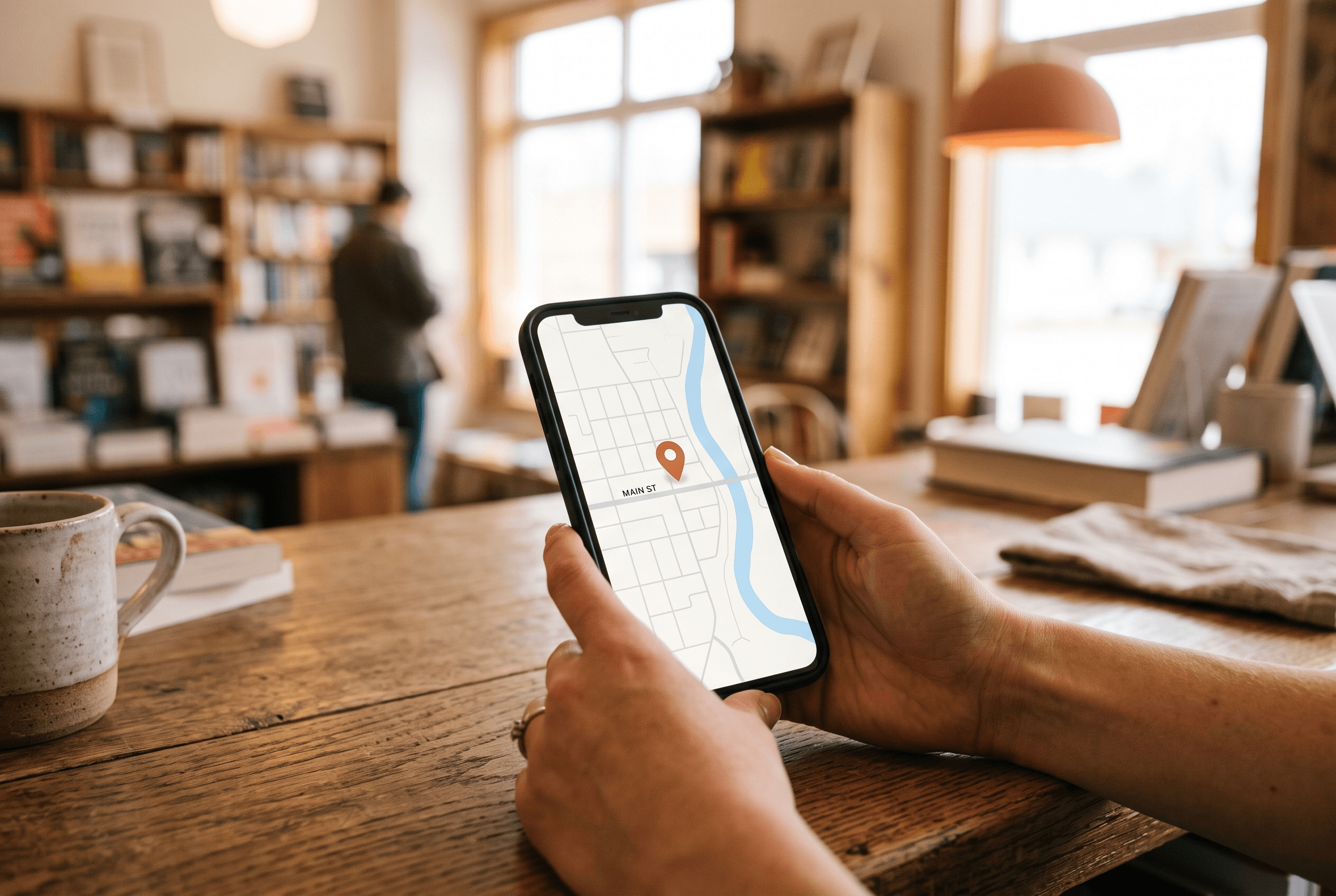
Here is the mechanic almost no one explains. When you type an address into Google Business Profile, Google's geocoding engine converts that text into a set of coordinates and drops a map pin. The address text and the pin coordinate are separate stored values — and they don't always update together.1
This bites service-area businesses hardest. If your address is hidden — which most HVAC shops, plumbers, and mobile service businesses in Northeast Indiana choose to do — updating the address field in your dashboard does not re-anchor the map pin to the new location. The pin can stay tethered to the address the profile was originally created with, quietly telling Google you're still where you used to be.
Small formatting details matter more than they should. According to Search Engine Land's reporting, using “St.” when the correct suffix is “Rd.” can produce a partial-match flag that drops your pin onto open grass instead of your building, while the correct suffix yields a rooftop-level placement centered on the actual structure.1 Suite numbers stuffed into the first address line are another frequent culprit for a misplaced pin. There is even a documented oddity where hidden-address listings sometimes have their pins jump toward the geographic center of the country when Google nulls the stored address on the back end.
The practical lesson: after any address change, don't assume the pin followed. Open your listing on a phone, tap directions, and confirm it routes to your real door.
What's the Safe Order of Operations for Changing Your Address?
The single most important principle, echoed across every practitioner source, is this: change Google last. As one how-to from Growth for Local puts it, NAP consistency across the web is the biggest single factor in whether your new address goes live without a fight.3 If every other place that lists your business already shows the new address, Google sees a web that agrees and trusts the change. If Google is the first to know, it has nothing to corroborate against.
Here's the sequence we recommend for a Fort Wayne relocation:
| Step | What to update | Why it's in this order |
|---|---|---|
| 1 | Business registration / licenses | Your legal address is the foundation everything else references |
| 2 | Website contact page + LocalBusiness schema | Google reads your own site as a primary trust signal |
| 3 | Yelp, Apple Maps, Bing Places, Facebook, BBB | Major citations should agree before Google checks them |
| 4 | Data aggregators & niche directories | Removes lingering old-address signals |
| 5 | Google Business Profile (last) | Now Google sees a web that already agrees |
| 6 | Post a "We’ve moved" update on the profile | Adds an activity signal Google rewards during transitions |
A practitioner checklist from SEOteric adds two useful bookends: audit your current grid rankings before you touch anything so you have a baseline, and verify your new address geocodes to rooftop precision before you rely on it.2 One more rule that saves grief: keep the existing profile. Never delete it and build a new one — your reviews and history are attached to the profile, not the address, and starting fresh means starting your reputation from zero. If you've ever watched Google reviews disappear after a listing change, you already know how painful that is.

What Does Re-Verification Look Like in 2026?
Expect it. Editing your address almost always flips the listing into a “verification required” state, and the change won't go live until you clear it. In that same Search Engine Land survey, 73.3% of practitioners said address edits directly make a listing more prone to verification loops — the frustrating cycle where Google keeps asking you to prove you're really there.1 That's a practitioner observation, not a Google-published number, but it's consistent enough to plan around.
In 2026, the most common method is a short walkthrough video — typically 30 to 60 seconds showing your signage, your location, and proof you operate there — and Google, not you, usually picks the method. We walk through exactly how to pass it in our guide to Google Business Profile video verification, which is worth reading before you hit save so you can film it in one take instead of scrambling.
The one mistake that restarts everything: editing the listing again while verification is pending. Per Growth for Local, an edit during a pending re-verification cancels the code and resets the entire process.3 So make all your changes, submit, and then leave the profile alone until Google confirms. Resist the urge to “just fix one more thing.”
How Long Until Your Rankings Come Back?
This is the question that keeps owners up at night, and the honest answer is: it varies, but it's usually weeks, not a permanent loss. Growth for Local reports that most businesses following the best practices above recover their rankings within about two to four weeks.3 SEOteric suggests watching your traffic and local rank trackers for a longer 30-to-90-day window, since a bigger or cross-city move gives Google more to reassess.2
A few things shape where you land in that range. A short move within the same neighborhood recovers faster than a move across town, because your proximity to your existing customer base barely changes. Making one clean batch of edits recovers faster than drip-editing over several days, which can trigger repeated trust reviews. And a profile with strong, consistent citations and a steady flow of recent reviews has more trust to draw on than a thin one — which is one more reason the reputation and review fundamentals covered above pay off long before you ever move.
Keep perspective, too. Even during a temporary dip, you don't vanish — customers still find you through branded searches, your website, and the AI answer surfaces we cover in how zero-click search still finds you. The move is a stress test on your local presence, not a reset button.
Relocating in Fort Wayne: What Local Owners Should Watch
A move inside Fort Wayne has quirks worth naming. If you're relocating within a tight downtown radius — say from one Wells Street block to another, or from a Broadway storefront to a nearby suite — your proximity to most of your Allen County customers barely shifts, so your risk is lower and recovery is usually quick, provided you follow the sequence above.
Suite numbers are the common downtown trap: as businesses move into shared or renovated buildings around the DTFW district, cramming the suite into the wrong address line is a top cause of a misplaced pin. Put the street address in line one and the suite where Google's form asks for it. And if you're a service-area business covering Fort Wayne, Auburn, New Haven, and the surrounding DeKalb County towns, remember that your hidden address change may not move your pin at all — check it manually after the change and open a support case if it's stuck. When the whole neighborhood is relocating at once, the owner who moves methodically keeps the map position everyone else is fumbling.
Ready to Move Without Losing Your Rankings?
A relocation is the wrong time to learn Google's rules by trial and error, because the cost of a mistake is measured in missed calls during the exact weeks your new location needs them most. If you'd rather hand off the citation cleanup, the geocoding check, and the verification video to someone who has done it before, that's what our SEO service is for. Tell us about your move and we'll sequence the change, keep your reviews and history intact, and watch your rankings through the recovery window so a move across Fort Wayne doesn't become a move off the map.
Fort Wayne AI Agency service
SEO Services
Dominate traditional search and AI-powered answer engines.
Learn moreFrequently Asked Questions
Does changing my Google Business Profile address hurt my ranking?
It can cause a temporary drop while Google recalculates proximity and re-checks trust, but it should not cause a permanent loss if you update your address everywhere else first, keep your existing profile, and avoid extra edits during verification. Most businesses recover within a few weeks when they follow that order.
Will my map pin move automatically when I change my address?
Not always. The address text and the map pin are stored separately, and for service-area businesses with a hidden address, updating the address field often does not re-anchor the pin. After any change, open your listing on a phone and confirm directions route to your real location.
Should I create a new Google Business Profile when I move?
No. Deleting your old listing and starting fresh throws away the reviews, photos, and history that live on the profile. Always edit the existing profile instead — your reviews are attached to the profile, not to the address.
How long does re-verification take after an address change?
In 2026 it's most often a short walkthrough video, and many businesses clear it within a few business days. The critical rule is to make all your edits at once and then leave the listing untouched until Google confirms, because editing again while verification is pending can cancel the code and restart the process.
What should a Fort Wayne business update before changing its address on Google?
Update your business registration, your website contact page and schema, and major citations like Yelp, Apple Maps, Bing Places, Facebook, and the BBB first. Changing Google last means it sees a web that already agrees on your new address, which makes the change far more likely to go live smoothly.
Sources & Further Reading
- Search Engine Land: searchengineland.com/google-business-profile-address-changes-local-rankings-483537 · Why Google Business Profile address changes can disrupt local rankings (July 27, 2026)
- SEOteric: seoteric.com/why-google-business-profile-address-changes-can-disrupt-local-rankings · Why Google Business Profile Address Changes Can Disrupt Local Rankings (July 2026)
- Growth for Local: growthforlocal.com/blog/change-address-on-google-my-business · How to Change Your Address on Google My Business (2026) (2026)
Put this to work in your business
Want help with this in your business?
Tell us what you're working on — a real person in Fort Wayne replies within one business day.