Google Ads Local Customer Optimization: Worth It? (2026)
Google Ads' new Local Customer Optimization steers Performance Max budget toward nearby, ready-to-act customers on Maps, Waze, and Search. Here's who should flip it on — and who should skip it.
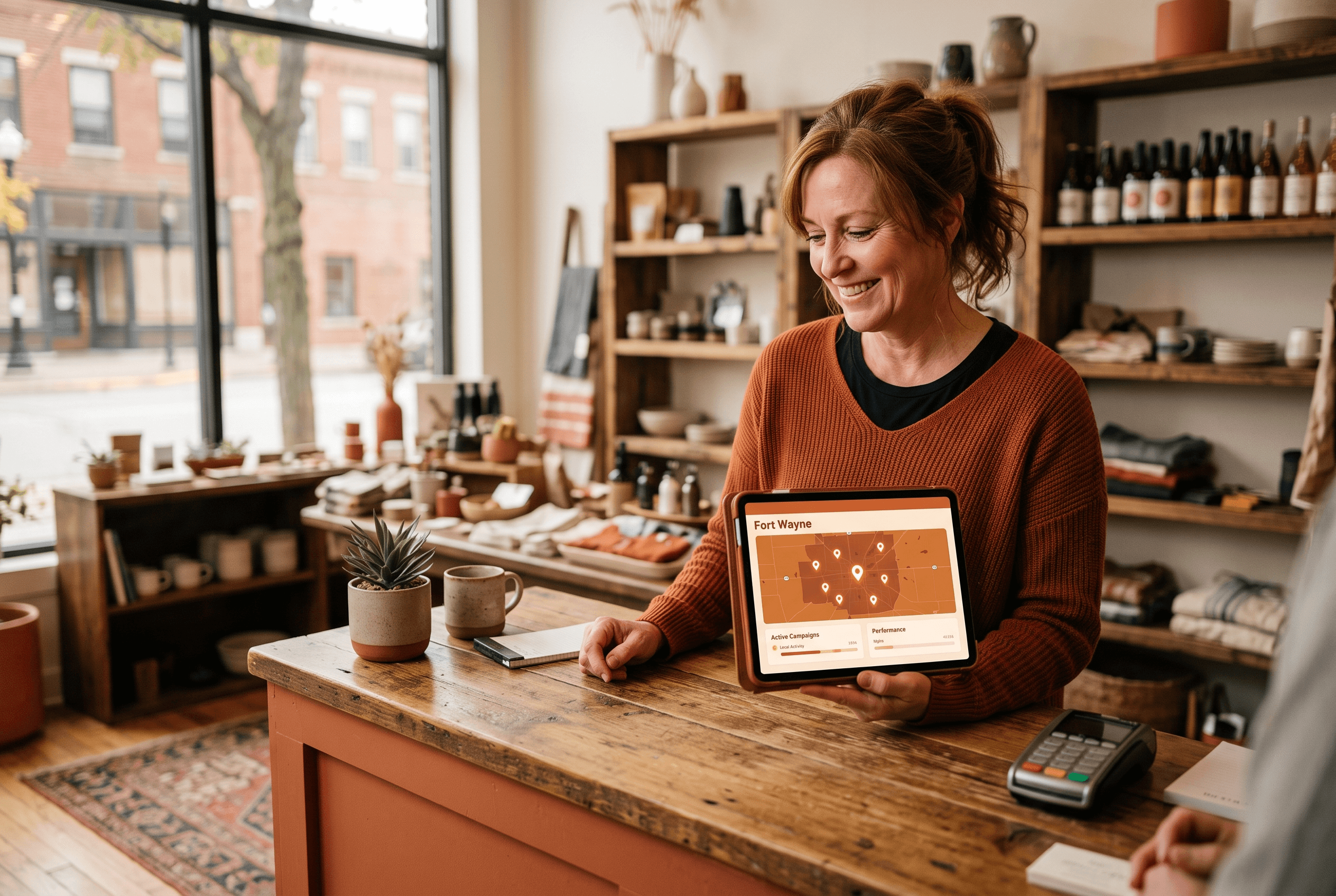
Google quietly added a new switch inside Google Ads called Local Customer Optimization, and if you run a business people actually walk into — a restaurant off Jefferson, a dental office in Aboite, an HVAC shop with a service area across Allen County — it's aimed squarely at you. The short version: it's a setting inside a specific type of Performance Max campaign that tells Google to spend more of your budget on people who are physically nearby and actively looking to visit or call a business like yours right now.
That's genuinely useful. It's also narrow, and Google's own documentation is clear about what it will and won't do. It is not a magic "get more customers" button, it doesn't work for online sales, and it can't run alongside a shopping feed. This is a plain-English guide to whether a Fort Wayne owner should flip it on — written the way we'd explain it to a client across the table, including the cases where the honest answer is "leave it off." It's one tactic inside a bigger local picture, so it's worth reading against The Fort Wayne Digital Marketing Playbook before you touch a setting.
- Local Customer Optimization is a campaign-level setting inside Performance Max campaigns for store goals — not a new campaign type and not something you bolt onto every account.
- It steers budget toward people navigating, trip-planning, or searching for a location on Google Maps, Waze, and local Google Search formats near your business.
- It only works for offline/in-store goals (store visits, direction requests, calls). It is not compatible with online conversion goals or with Performance Max campaigns tied to a Merchant Center product feed.
- It's a budget-steering toggle, not a multiplier — it changes who Google prioritizes, not how much you're guaranteed to get back.
- Best fit: restaurants, retail, dental/medical, and home-services with a physical or service-area presence. Poor fit: pure e-commerce and lead-gen with no local intent.
- Turning it on is free; the real work is making sure you can measure the store visits and calls it's supposed to drive.
What is Google Ads Local Customer Optimization?
Local Customer Optimization is a new setting Google is rolling out inside Google Ads. According to Search Engine Journal's report, it's a campaign-level control that lives within Performance Max campaigns focused exclusively on store (offline) goals, and its job is to prioritize consumers who look ready to take an immediate offline action — visiting a location, requesting directions, or calling.1
Per Google’s own Ads Help documentation, the feature works by reaching people at the moment they are "actively navigating, trip-planning, or searching for locations on Google Maps, Waze or Google Search," and then directing your campaign budget toward locally tailored ads on those surfaces.2 In plain terms: instead of spreading your spend across anyone who might click, Google leans your money toward the person two miles away who just searched "HVAC near me" or is pulling up directions to a shop like yours.
It's worth being precise about what this isn't. It is not a separate campaign you build from scratch, and it is not the same thing as Local Services Ads. It's one toggle inside a campaign type Google already offers — Performance Max for store goals — which promotes your locations across Google's larger property set, including Search, Maps, Waze, YouTube, Gmail, and the Display Network. If you've been following how Local Services Ads are folding into Google Ads as Performance Max, this is a close cousin: Google continuing to route more local, offline-intent advertising through the Performance Max engine.
How does Local Customer Optimization actually work?
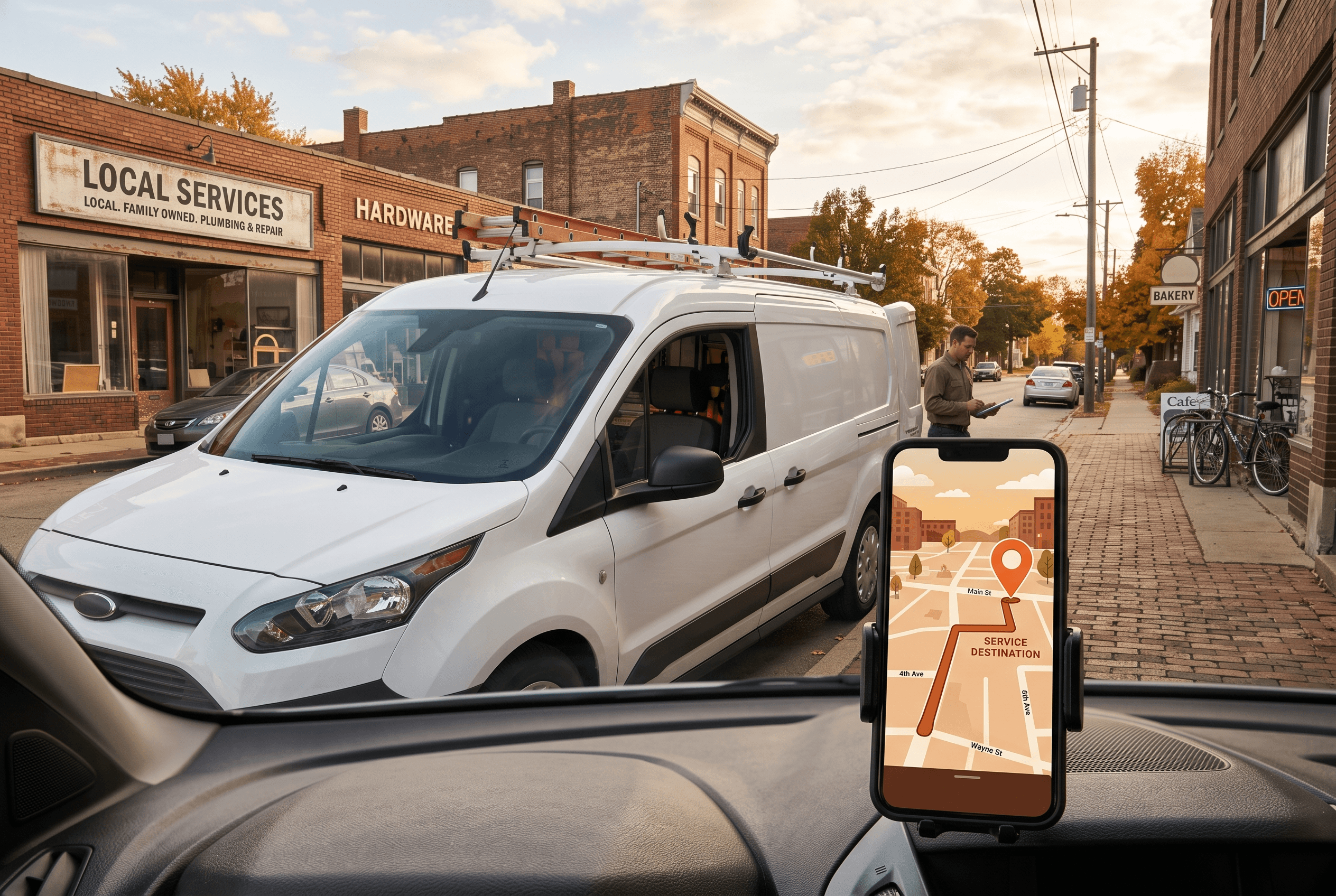
The mechanic is best understood as a change in who gets prioritized, not a change in your bids or budget size. When the setting is on, Google's system uses live intent signals — someone routing to a destination in Waze, planning a trip in Maps, or running a location-flavored query in Search — to identify nearby, in-market people and push more of your budget toward reaching them with locally relevant creative.
That's a meaningful shift from the default Performance Max behavior, which optimizes broadly across all of Google's surfaces for whatever conversion action you've set. Layering in Waze here isn't accidental, either: Performance Max for store goals already includes Waze ad inventory — a branded pin on a driver's route — specifically to reach customers who are already on the move.3 Local Customer Optimization builds on that by weighting your spend toward those on-the-go, ready-to-act moments.
A few honest caveats about the mechanics:
- It's steering, not a guarantee. The setting changes the mix of people Google targets. It does not promise more visits, and it does not lower your cost. If your ad, your offer, or your Google Business Profile is weak, better targeting won't rescue it.
- You still need clean conversion inputs. The system optimizes toward the store-visit and call actions you’ve defined. If those aren’t tracked well, Google is optimizing toward a blurry target. (More on that below.)
- It’s part of a broader in-store push. Search Engine Land reported that Google is rolling out several tools to drive and measure in-store sales around the same time — Local Customer Optimization is one piece of a wider bet on offline conversions, not a one-off.4
Who should turn Local Customer Optimization on?
This is the part that matters most for a local owner. The setting only helps if physical visits, direction requests, or phone calls are how you actually make money. Here's the honest split:
| Business type | Turn it on? | Why |
|---|---|---|
| Restaurants, cafés, bars | ✅ Yes | Foot traffic and "near me" intent are the whole game; nearby, ready-to-visit people are exactly your customer. |
| Retail shops & showrooms | ✅ Yes | Walk-ins and direction requests drive revenue; local intent signals fit cleanly. |
| Dental, medical, salons | ✅ Usually | If new-patient/appointment calls and visits are the goal, the offline-intent targeting fits. |
| HVAC, plumbing, home services (physical or service-area) | ✅ Often | Calls and local intent are core — but pair it with your Local Services Ads strategy, don't duplicate spend. |
| Pure e-commerce (ships everywhere) | ❌ No | Offline-only; incompatible with online goals and Merchant Center feeds. |
| Lead-gen with no location intent (B2B, national) | ❌ No | The nearby-and-navigating signal doesn't describe your buyer. |
The pattern: if you'd be thrilled to have someone drive over, walk in, or call today, this setting is built for you. If your sales happen online or your buyers aren't shopping by location, it's not.
One caution for the home-services crowd: many Fort Wayne trades are already running (or migrating to) Local Services Ads. Turning on Local Customer Optimization in a separate Performance Max campaign can help, but only if you're clear on which channel is doing what — otherwise you can end up bidding against your own budget. Our honest look at whether Google Ads still pays off for Fort Wayne businesses is a good gut-check before you add another moving part.

When should you leave it off?
Google is unusually blunt about the limits here, and you should be too. Per Google’s Ads Help documentation, "Local customer optimization is not compatible with online campaign goals and Performance Max campaigns with products from Merchant Center." Google adds that you must disable the feature if you want to add online conversion goals to the campaign.
That translates to three clear "leave it off" cases:
- You sell online. If online purchases, form fills, or e-commerce checkouts are your conversion goal, the setting simply won’t run — and forcing your account into an offline-only campaign just to use it would be backwards.
- You run a shopping/Merchant Center feed. Retailers using feed-based Performance Max can’t just flip this on inside an existing campaign. You’d need a separate eligible store-goal campaign, which may or may not be worth the added complexity.
- Your "conversion" isn’t local. If you’re a consultant, a SaaS shop, or a business serving customers three states away, the "nearby and navigating" signal is describing the wrong person.
There’s also a timing consideration. The feature is still "rolling out globally soon," so you may not see the panel in your account yet. Don’t tear your campaigns apart chasing it — when it’s available, it appears in your campaign Settings under Budget and bidding optimization as a "Local customer optimization" panel. If it’s not there, it hasn’t reached your account.
How do you turn it on — and know it worked?
If you already run a Performance Max campaign for store goals, enabling this is genuinely simple: open the campaign, go to Settings → Budget and bidding optimization, and toggle on the Local customer optimization panel. If you’re building a new campaign, you can select it during setup — but only when the campaign is set to offline/store goals exclusively.
The harder — and more important — part is measurement. This setting optimizes toward store visits and calls, which means Google needs to see those actions. Before you flip it on, make sure you can answer "which ad brought the call, and did the visit happen?" That usually means store-visit conversions, call tracking, and clean event tracking are in place. We walked through the free, no-code conversion tracking a Fort Wayne owner can set up without a developer — that groundwork is what turns this toggle from a hopeful guess into a measurable line on your ROI report.
A realistic evaluation window: give it a few weeks, then compare direction requests, calls, and store visits — not just clicks — against the period before. Budget-limited accounts especially should watch how spend redistributes; if you've been through Google's budget and bidding changes this year, you know the machine can move money in ways that surprise you. Clicks going up while calls stay flat is a signal to reassess, not celebrate.
What Local Customer Optimization means for Fort Wayne businesses
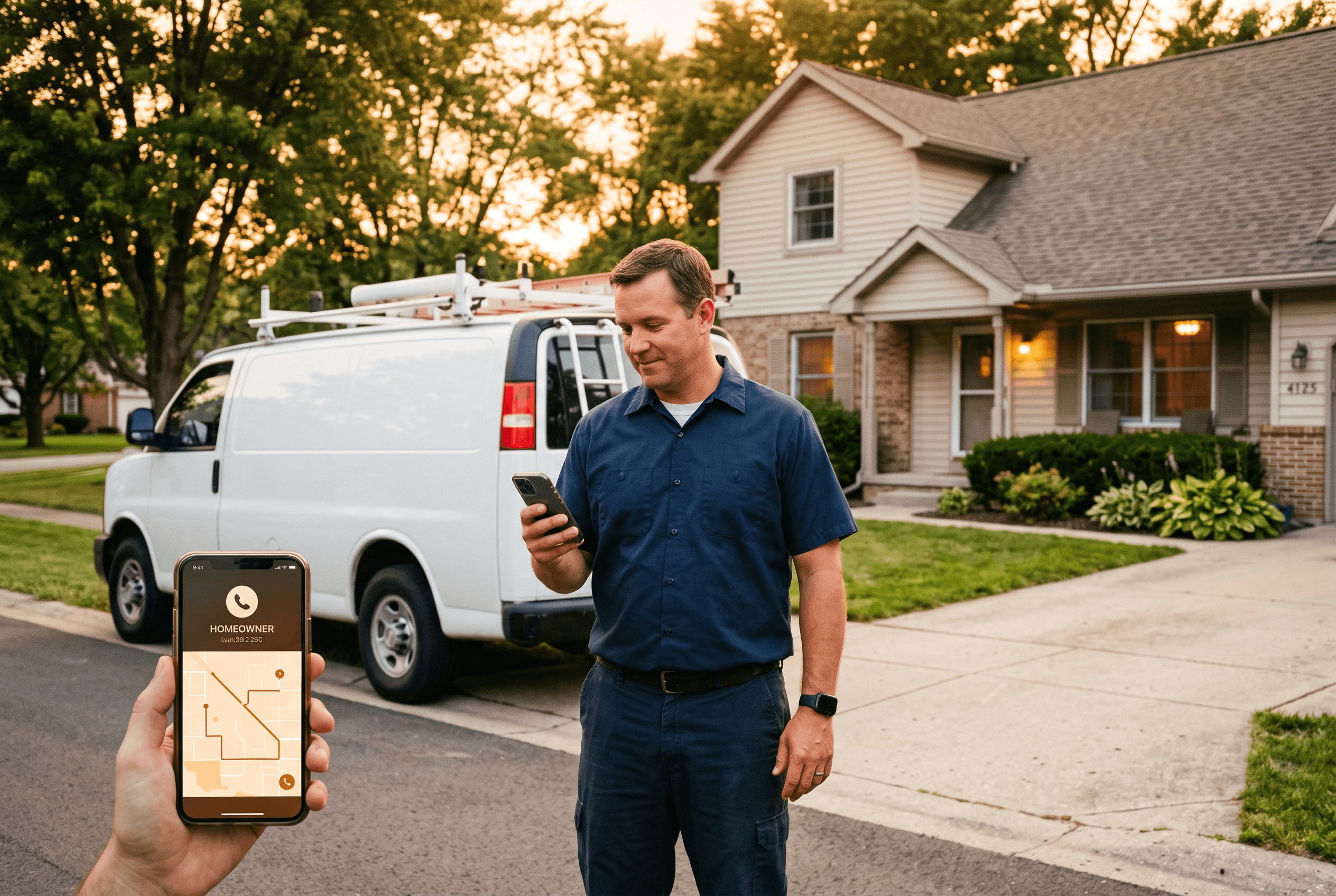
For Northeast Indiana owners, the appeal is concrete. A lot of ad budget in Fort Wayne gets quietly wasted reaching people who are never going to drive to Waynedale or New Haven for what you sell. This setting is Google's attempt to keep more of your money pointed at the Allen County homeowner who's actually two miles away and already in motion — pulling up Waze to a shop like yours, or searching "dentist near me" from their phone in Aboite.
That fits how local buying really works here. Someone in Huntertown deciding on lunch, a family in Auburn looking for a Saturday appointment, a homeowner off Coldwater Road who needs a furnace looked at this week — these are location-and-timing decisions, and that's exactly the intent this feature reads. Paired with a strong Google Business Profile and honest reviews, steering budget toward those in-the-moment, nearby searchers is a sensible move for a brick-and-mortar or service-area business.
Just keep it in proportion. This is one tactic inside a bigger local strategy that includes your Map Pack presence, your reviews, and your organic local search — and what Fort Wayne businesses actually pay per click will keep your budget expectations grounded in real local numbers before you pour more into paid search.
Get it set up right the first time
Turning on a toggle is easy. Setting up a Performance Max store-goals campaign that's actually measured — with call tracking, store-visit conversions, and a budget aimed at the right Allen County customers — is where most of the value (and most of the wasted spend) lives. That's the work our advertising management team does day to day: building local campaigns that put your money in front of nearby, ready-to-act customers and reporting back on the visits and calls it produced, not just the clicks.
If you'd rather have a second set of eyes before you change anything, our broader digital marketing services can review your current Google Ads setup and tell you honestly whether Local Customer Optimization is a fit for your business — or whether your budget would do more good somewhere else first. Get in touch and we'll take a look before you change anything.
Fort Wayne AI Agency service
Advertising
Targeted paid campaigns across Google, Meta, and more.
Learn moreFrequently Asked Questions
Is Local Customer Optimization free to turn on?
Yes — it is a setting inside an existing Performance Max store-goals campaign, not a paid add-on. You still pay for the ads themselves, and turning it on does not change your budget. What it changes is which nearby, ready-to-act people Google prioritizes with the budget you already set.
Does Local Customer Optimization work for online sales?
No. Google’s documentation states it is not compatible with online campaign goals or with Performance Max campaigns that use a Merchant Center product feed. It is built strictly for offline/store goals like store visits, direction requests, and calls. If you sell online, you will need to leave it off.
How is this different from Local Services Ads?
Local Services Ads are a separate, pay-per-lead product with Google Screened verification, mostly for home-service trades. Local Customer Optimization is a targeting setting inside Performance Max for store goals that steers budget toward nearby, in-market customers across Maps, Waze, and local Search. Some businesses may run both, but they are different tools — coordinate them so you are not paying twice for the same customer.
Which Fort Wayne businesses benefit most from Local Customer Optimization?
Businesses that make money from physical visits or local calls: restaurants, retail shops, dental and medical offices, salons, and home-services with a physical or service-area presence in Allen County. Pure e-commerce and businesses whose customers are not shopping by location will not benefit.
I do not see the setting in my account — is something wrong?
Probably not. The feature is still rolling out globally, so it reaches accounts on a schedule. When it is available, it shows up in your campaign Settings under “Budget and bidding optimization” as a Local customer optimization panel — and only on Performance Max campaigns set to offline/store goals.
Sources & Further Reading
- Search Engine Journal: searchenginejournal.com/google-ads-introduces-local-customer-optimization/588886 · Google Ads Introduces Local Customer Optimization (September 9, 2026)
- Google Ads Help: support.google.com/google-ads/answer/17198659 · About Local customer optimization within Performance Max campaign for store goals (September 8, 2026)
- Google Ads Help: support.google.com/google-ads/answer/12971048 · About Performance Max for store goals (August 1, 2026)
- Search Engine Land: searchengineland.com/google-ads-adds-new-tools-to-drive-and-measure-in-store-sales-487439 · Google Ads adds new tools to drive and measure in-store sales (September 8, 2026)
Put this to work in your business
Want help with this in your business?
Tell us what you're working on — a real person in Fort Wayne replies within one business day.