Which Ad Brought the Call? No-Code Conversion Tracking (2026)
Google merged Google tag into Tag Manager and added point-and-click event tracking. Here’s what a Fort Wayne owner can now set up without a developer — and the 20% that still needs one.

If you run a Fort Wayne HVAC company, a dental office, or a downtown shop and you spend even a few hundred dollars a month on Google Ads, you have almost certainly asked the question that keeps small-business marketing honest: which ad — or which page — actually brought me that phone call? For years the answer required either a developer, a paid analytics consultant, or a shrug and a guess. As of August 20, 2026, Google changed part of that math with no-code conversion tracking a non-technical owner can set up alone.
Google merged Google tag into Google Tag Manager and rolled out a “visual,” point-and-click way to mark events — like a phone-number tap or a “Book Now” click — as tracked conversions by navigating your own website the way a customer would, according to Search Engine Land.1 That’s genuinely useful. It is also narrower than the headlines suggest, and the honest version — what you can do today, what’s still rolling out, and what will always need a human — is the version worth reading before you touch anything. This piece is part of our broader Fort Wayne digital marketing playbook, which ranks where measurement fits among everything else you’re juggling.
- On August 20, 2026, Google announced it is merging Google tag into Google Tag Manager — upgrading every Google tag into a full Tag Manager container — and added a no-code “visual tagging” tool that lets you define conversions by clicking elements on your live site.
- The visual tool launched in beta for purchase conversions in Google Ads first, with broader event types rolling out through 2026 — so it is not yet a finished, do-everything button.
- An independent GTM specialist estimates the point-and-click flow handles the easy 70–80% of tagging jobs; the harder 20–30% (cross-domain, consent, e-commerce accuracy) still needs manual work.
- The three conversions most local service businesses should prioritize: a phone-number tap, a contact/quote-form submit, and a “Get Directions” / map click.
- Consent and privacy compliance remain your responsibility — automatic tag setup does not decide when a tag is legally allowed to fire.
- You do not need to pay a developer to start; you do need a Google Ads account, a Tag Manager container, and a willingness to test.
What actually changed on August 20, 2026?
Two things shipped at once, and it helps to keep them separate.
The first is a merger of plumbing. Google tag — the little G- or AW- snippet already sitting on most business websites — is being upgraded into a fully capable Google Tag Manager container, gaining Tag Manager’s interface, debugging tools, and version control, per PPC Land’s breakdown of the change.2 Existing Tag Manager users get an opt-in “optimization” that removes the separate gtag.js JavaScript load and sends measurement data straight to Google, which Google says reduces page-load latency.2 Nothing changes automatically — an in-account banner offers the switch, with a preview before you publish, Google’s own Tag Manager documentation confirms.4
The second, and the one owners care about, is visual tagging: a no-code tool that runs through Tag Assistant and lets you “navigate through their website and select elements directly to define events” instead of writing code.1 Google Ads Liaison Ginny Marvin framed it plainly: advertisers can navigate through an action such as a purchase the same way a customer would, while Google handles the technical setup.1 You click the button you want to count, and Google assembles the tag, trigger, and variables behind the scenes.
Here is the caveat the release-day hype tends to skip: as of launch, visual tagging is in beta for purchase conversions in Google Ads, with additional use cases set to roll out progressively through 2026.3 If your business runs on phone calls and quote forms rather than online checkouts — which describes most Fort Wayne home-services and healthcare shops — the fully point-and-click path for your event types may still be arriving. The direction is clear and the plumbing is in place; the finished, works-on-everything button is not here yet.

Which 3 conversions should a local business turn on first?
Before you track anything, decide what “a win” is. Tracking every click is how owners drown in dashboards and still can’t answer the ad question. For a typical Fort Wayne service business, three conversions carry almost all the signal:
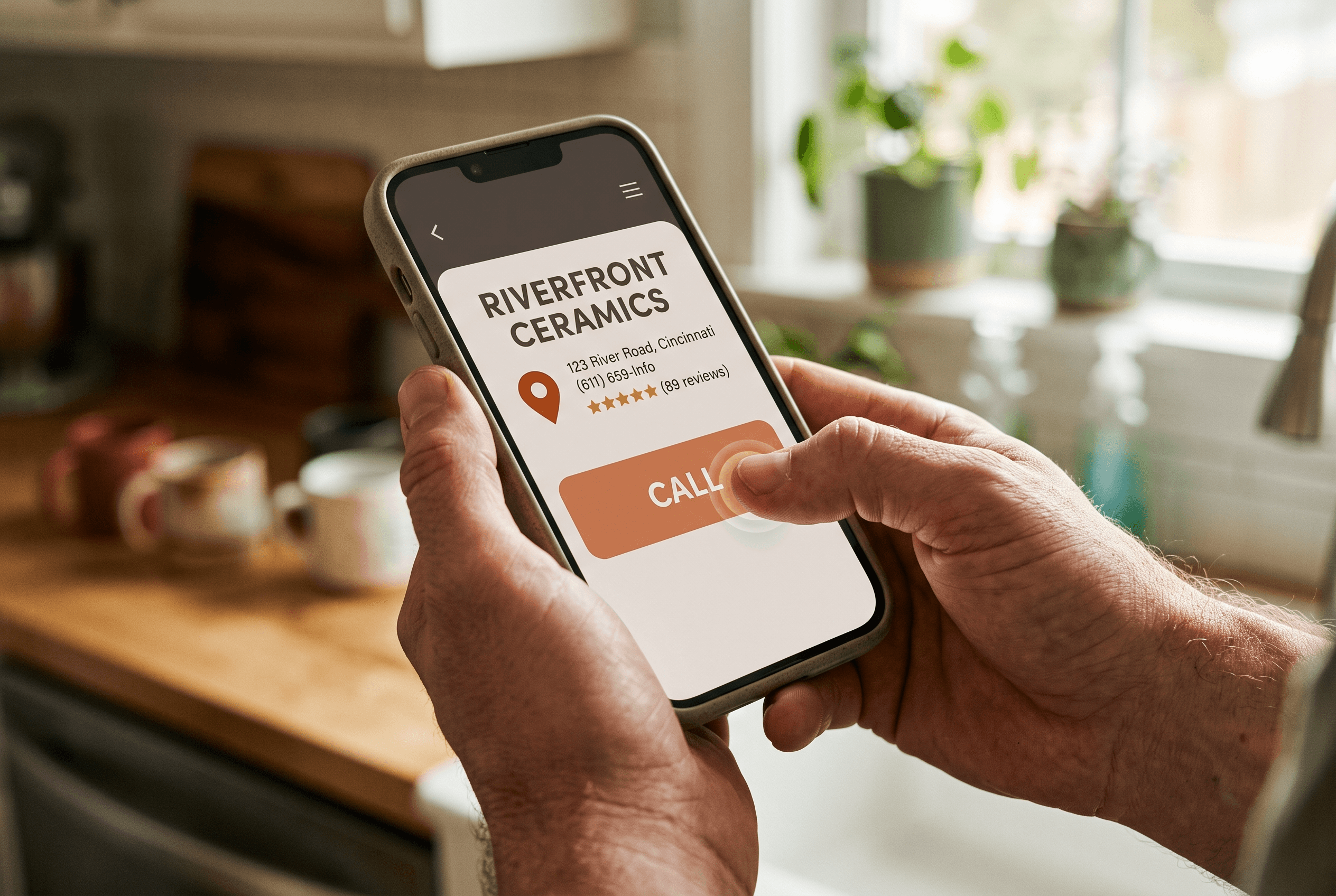
- Phone-number tap. On mobile, a tap on your click-to-call button is the closest thing to a booked job you can measure automatically. This is the single most valuable event for HVAC, plumbing, electrical, and dental.
- Contact / quote-form submit. A completed “request an estimate” or “book an appointment” form. Track the submission (the thank-you step), not just a visit to the form page.
- “Get Directions” / map click. For restaurants, retail, and any storefront, a tap that pulls up directions is a strong intent-to-visit signal.
Turn those three on before anything else. If you want the fuller list of numbers that actually tell you whether marketing is working, we walked through the seven marketing metrics a Fort Wayne owner needs — conversions are the foundation the other six sit on. And if your site gets traffic but the phone stays quiet, tracking will confirm what our guide to why your website isn’t getting calls diagnoses: the leak is usually the page, not the ad.
What can you do without a developer — and what still needs one?
This is where honesty matters most. The best public estimate of visual tagging’s real reach comes not from Google’s marketing but from an independent expert. Matteo Zambon, founder of Tag Manager Italia, wrote in an assessment reported by PPC Land that visual tagging is “Google admitting that manual setup was too painful for most advertisers, and closing the gap for the easy 70 to 80% of cases where ‘track a purchase button’ is the whole requirement.”3 His follow-up line is the one to tape to your monitor: “The other 20% does not go away.”3
(Worth flagging, because the story gets muddled: that 70–80% figure is Zambon’s independent assessment as a tagging specialist — it is not a promise from Google.)
Here’s the practical split:
| You can likely do this yourself (the easy 70–80%) | This still needs a specialist (the harder 20–30%) |
|---|---|
| Track a single button — a call tap or “Book Now” | Data-layer design that survives a website theme change |
| Count one conversion event to one destination | Server-side tracking (Stape, Cloud Run) |
| Basic purchase or lead-submit conversions | Consent Mode v2 wired to a real consent platform |
| Verify a tag fires with a test click | Cross-domain tracking (e.g., a separate booking tool) |
| Read the resulting conversions in Google Ads | Shopify checkout setups and e-commerce accuracy checks |
| — | Reconciling Google Analytics data back to your CRM |
Zambon’s list of what stays manual is specific, and his conclusion is blunt: “None of this gets solved by clicking on a button on the page.”3 If your booking flow sends customers to a separate scheduling domain, or you need spending data to line up with your CRM, that’s the 20% — plan for help. For everyone whose “conversion” is one clear button, the DIY path is now real. That gap between what you can self-serve and what needs an expert is exactly the calculation we walk owners through when we scope conversion optimization work.

How do I know my conversion tracking is actually working?
A tracked conversion you never verify is worse than none — it feeds you confident, wrong numbers. Two checks keep you honest:
Use Tag Assistant’s preview. The visual flow runs through Tag Assistant, which is also how you confirm the tag fires. Put the container in preview/debug mode, then do the thing a customer would — tap the call button, submit a test form — and watch for the event to register in real time before you publish anything live.1 Simo Ahava, a widely-cited analytics engineer, reassured practitioners in PPC Land’s reporting that upgrading “will not compromise your compliance setup, nor will it introduce any additional tracking or sneaky shenanigans” — but “won’t break things” is not the same as “is set up correctly,” which only your own test proves.2
Wait for real data, then sanity-check it. Give it a week of live traffic and compare tracked conversions against reality: if your front desk booked twelve jobs but Google shows two conversions, something isn’t firing. This is also the moment to connect the dots between channels — the same discipline that lets you track your AI search visibility applies here, and once conversions are flowing you can finally judge whether Google Ads is still worth it for your budget instead of guessing.
One more honest note: consent compliance is still on you. PPC Land’s reporting stresses that automatic tag generation does not establish a lawful basis for firing a tag — the tool builds the tag, but when it’s allowed to run is your decision.3 For a Fort Wayne small business that mostly serves Indiana customers this is lighter than it sounds, but it’s not zero.
What this means for a Fort Wayne business
Picture a Fort Wayne HVAC company spending $600 a month on Google Ads across Allen County and running a couple of Facebook boosts on the side. For years the owner has had no clean way to know whether the search ad, the Maps listing, or the neighbor’s referral produced last week’s furnace calls — so half the budget stayed “the half I know is wasted, I just don’t know which half.”
With the phone-tap conversion turned on, that owner can now see, campaign by campaign, which ad produced the tap that became a booked repair — and can shift the next $600 toward whatever the numbers reward. A DeKalb County dental office can watch which page drives “request an appointment” submissions. A New Haven restaurant can count “Get Directions” taps against its weekend promotions. None of this requires a developer on retainer, and it pairs naturally with knowing what Fort Wayne businesses actually pay per click so your cost-per-booked-job — not just cost-per-click — becomes the number you manage. That’s the whole game for a lean local budget: stop paying for clicks and start paying for jobs.
Get help wiring up the part that counts
Turning on three conversions is a genuine DIY win — and if that’s all you need, go do it this week. But if your booking lives on a separate domain, your ad data won’t reconcile with your CRM, or you simply want the measurement set up right the first time so every future decision rests on real numbers, that’s the 20% worth handing off. Our ROI reporting service exists to make “which ad brought the call?” a question you can answer at a glance, and our conversion optimization work makes sure the pages behind those ads actually turn the click into a booked job. If you’re in Fort Wayne or anywhere in Northeast Indiana and you’re tired of guessing, we’re happy to take a look.
Fort Wayne AI Agency service
Analytics & ROI Reporting
Transparent analytics proving your marketing ROI.
Learn moreFrequently Asked Questions
What is Google’s no-code “visual tagging”?
Visual tagging is a tool, launched August 20, 2026 and run through Google’s Tag Assistant, that lets you set up conversion tracking by navigating your own website and clicking the elements you want to count — like a purchase or a button — while Google builds the tag, trigger, and variables for you. It launched in beta for purchase conversions in Google Ads, with more event types rolling out through 2026.
Do I still need a developer to track conversions now?
For simple cases — counting a single call tap, a form submit, or one purchase button — you can likely do it yourself. A GTM specialist estimates the point-and-click flow handles roughly the easy 70–80% of jobs. The harder 20–30% — cross-domain booking tools, consent-mode setup, e-commerce accuracy, and reconciling ad data with your CRM — still needs a person who knows what they’re doing.
Will these changes break the tracking already on my site?
No. Google says existing Google tags keep working and nothing changes automatically — the Tag Manager upgrade is opt-in through an in-account banner, with a preview before you publish. Analytics engineers who reviewed it say the switch won’t compromise an existing compliance or tracking setup, though you should still test that your tags fire correctly afterward.
Which conversions should a Fort Wayne service business track first?
Start with three: a phone-number tap (your strongest signal for HVAC, plumbing, and dental), a contact or quote-form submission tracked at the thank-you step, and a “Get Directions” or map click for storefronts and restaurants. These three carry almost all the useful signal without burying you in dashboards.
Is my ad and customer data private under the new setup?
The tools handle the technical tag-building, but you remain responsible for consent and privacy compliance — automatic tag generation does not decide when a tag is legally allowed to fire. For a small business serving mostly Indiana customers this is manageable, but it’s worth confirming your consent settings rather than assuming the tool handled it.
Sources & Further Reading
- Search Engine Land: searchengineland.com/google-unifies-google-tag-and-tag-manager-adds-no-code-event-tracking-485688 · Google unifies Google tag and Tag Manager, adds no-code event tracking (August 24, 2026)
- PPC Land: ppc.land/google-tag-manager-and-google-tag-are-merging-what-actually-changes · Google Tag Manager and Google tag are merging — what actually changes (August 21, 2026)
- PPC Land: ppc.land/googles-visual-tagging-covers-the-easy-70-to-80-of-cases-zambon-says · Google’s visual tagging covers the easy 70 to 80% of cases, Zambon says (August 21, 2026)
- Google Tag Manager Help: support.google.com/tagmanager/answer/17079602 · Updates to Google tag and Google Tag Manager (August 20, 2026)
Put this to work in your business
Want help with this in your business?
Tell us what you're working on — a real person in Fort Wayne replies within one business day.